
-
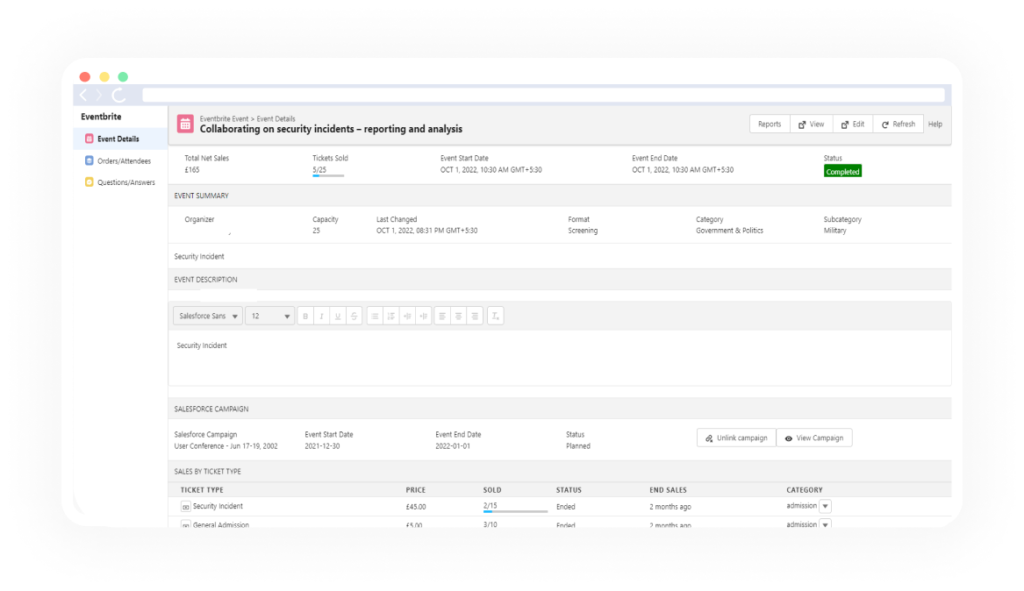
In Salesforce, click the Eventbrite Events tab. If there are previous events Recently Viewed events will be displayed.✔
-
Click on the event you require information on. On the left hand side of the page select Orders/Attendees.✔
-
View the details of the attendees, name, emails, ticket status, price paid etc..✔
-
If you click the View on an attendee this takes you to the Eventbrite page to view the information.✔
-
Using Search box can search registered Attendees for the particular Event.✔
-
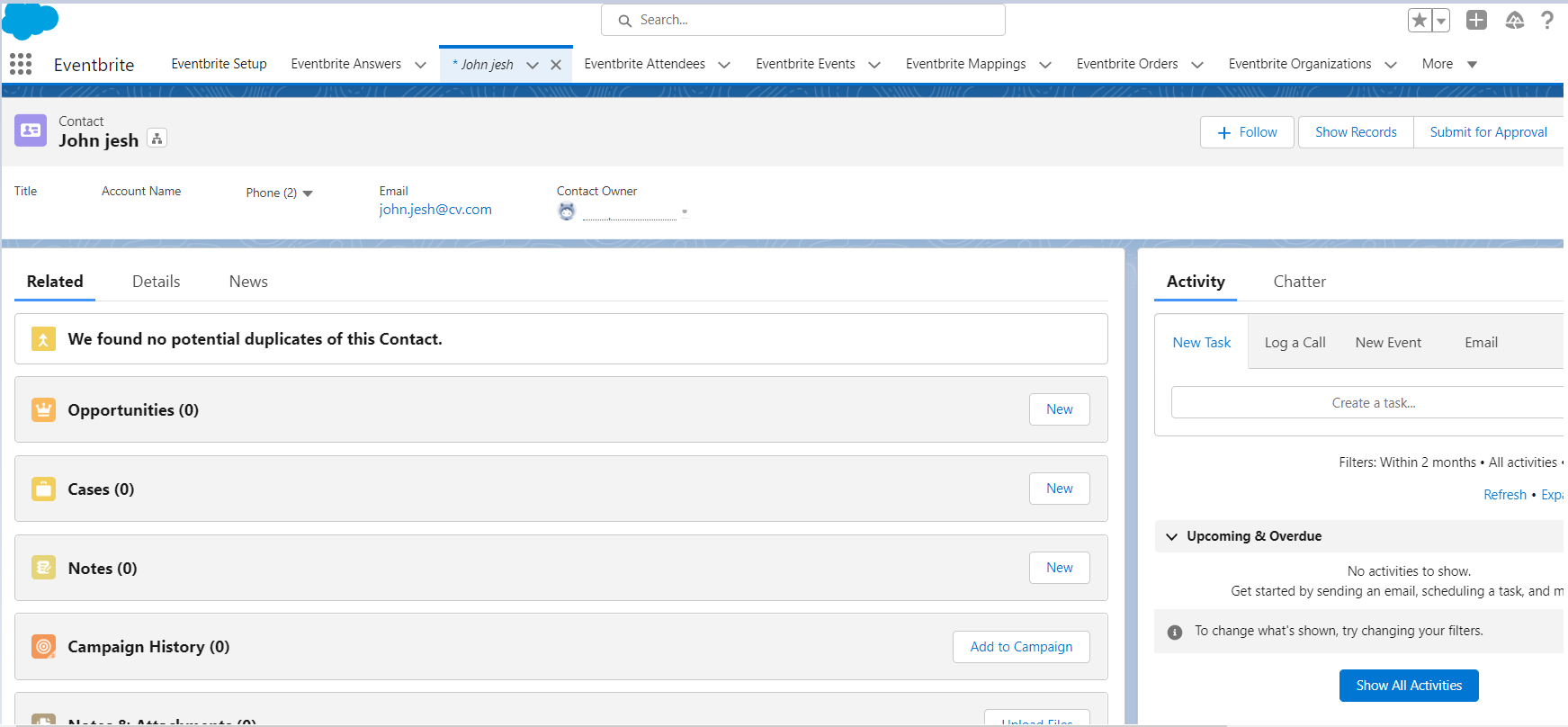
Under the Name column, if you click on the name of the Attendee. It will redirect you to the Salesforce Contact object page.
 ✔
✔